BotBox
- My role
- Project Manager
- Period
- Approximately late 2025 – late March 2026
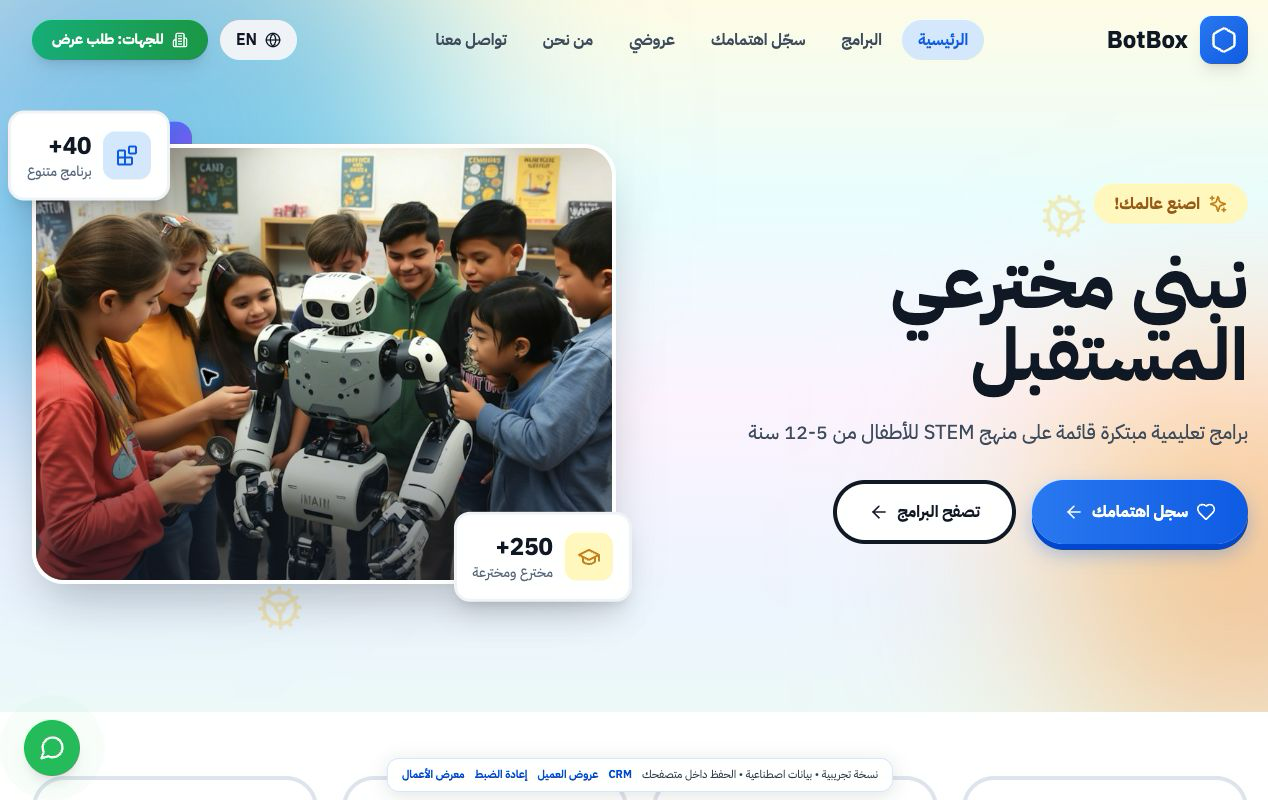
I managed BotBox, an education program project. My work connected marketing and cold outreach with the website where an organisation could choose a program and request a proposal. The team could then follow the request in the CRM.
The work in detail
- Managing the sales funnel, cold outreach and marketing.Sales operations playbook
- The scope covers the website, CRM and IT; the CRM specification defines qualification, proposals, delivery planning and follow-up, with an Arabic interface for field work.CRM and website specification
- One campaign concept invited children to build a machine from household materials for a monthly challenge and share a short video.Campaign concepts · p. 1
- I prepared the marketing plans and oversaw the team. We planned a welcome pack before camp, family reminders during the program, and a report and feedback survey afterward.Camp communications · p. 1
- The team strategy proposed reaching families through social channels and the website, and schools and learning centers through introductory presentations and short workshops.Marketing strategy · p. 4
- The content calendar listed education and national occasions, including the International Day of Education and Saudi Founding Day, as dates for planning posts.Content calendar · p. 1
- AI-assisted work, with an Emergent platform connecting program discovery, proposal requests and follow-up.
- The project catalog presents 40 proposed children’s programs across science, technology, engineering, and mathematics. Program cards start on page 30, with delivery and partnership options on pages 39 and 40.
- As BotBox project manager, I proposed Joy Venue as a regular host for an annual programme of 40 science, technology, engineering and maths activities for children aged 7–12. I requested venue inputs so that hosting, catering and learning-kit costs could be calculated for each group size.BotBox proposal to Joy Venue, pp. 1, 4 and 5
- The team’s kit plan separated imported technical components from heavier or liquid consumables that could be bought locally. It proposed assembling each programme’s kit locally and adding an Arabic activity guide.How each programme kit would be prepared
- On the proposal platform, a client can propose changes to payment milestones and attach a note. The team reviews the request. An accepted change updates the plan the client sees. The sample proposal demonstrates this exchange.
- My project management work included the platform schools and families used to explore programmes. One team plan asks learners to move a fulcrum and compare the effort needed to lift a load.Activities from the BotBox programme plans
From a school list to a proposal request
The planning and follow-up records show whom the project targeted. They do not establish how many became paying customers.
- 36 Schools on the target list
- The list records each school’s education level and contact information, with fields for a letter, an agreement and a visit.
- 9 Associations in the outreach tracker
- Each association has a contact entry and a note on the latest development.
- 3 Entries on the visits and partnerships sheet
- The sheet pairs each organisation with its follow-up notes.
Try the proposal workflow
Open the platform with sample data stored in your browser.
- Browse programs as a school
Explore the learning activities and find one that suits your group.
- Configure a school proposal
Change the number of students and programs to see how the proposal changes.
- Track proposals in the sales dashboard
Browse the sample proposals and open one to inspect its details.
How can a school compare an on-site camp with an online one?
Choose a location, then a program and group size. Open “Compare Options” to see the full package alongside alternatives without catering and online. You can compare two to five options.
In the contact step, the applicant chooses an organization type. That choice stays with the sample proposal, so a school enquiry can be distinguished from a company, nonprofit or government enquiry. The demo stores the record in your browser.
Try the comparison with sample dataFrom the client’s side, open the saved proposal and choose Negotiate to suggest a different payment schedule. The team can review that request in the sales dashboard.
Open the sample proposal for negotiationThe CRM specification called for a follow-up three days after a proposal was sent and a delivery project when a sale was won. Read the follow-up requirements
From a programme choice to family follow-up
The original BotBox form records the family’s STEM interests. The portfolio demo adds a link on each programme card so you can follow a specific choice from the family form into the team’s record.
- Choose Programming with Stories, open the parent form and use the sample family details.
- After saving, open that registration from the receipt. In the CRM you can change its status from New to Enrolled.
Project documents
Choose document · 5
These pages document what the BotBox team planned.
Browsing the complete project archive. Entry for BotBox · p.